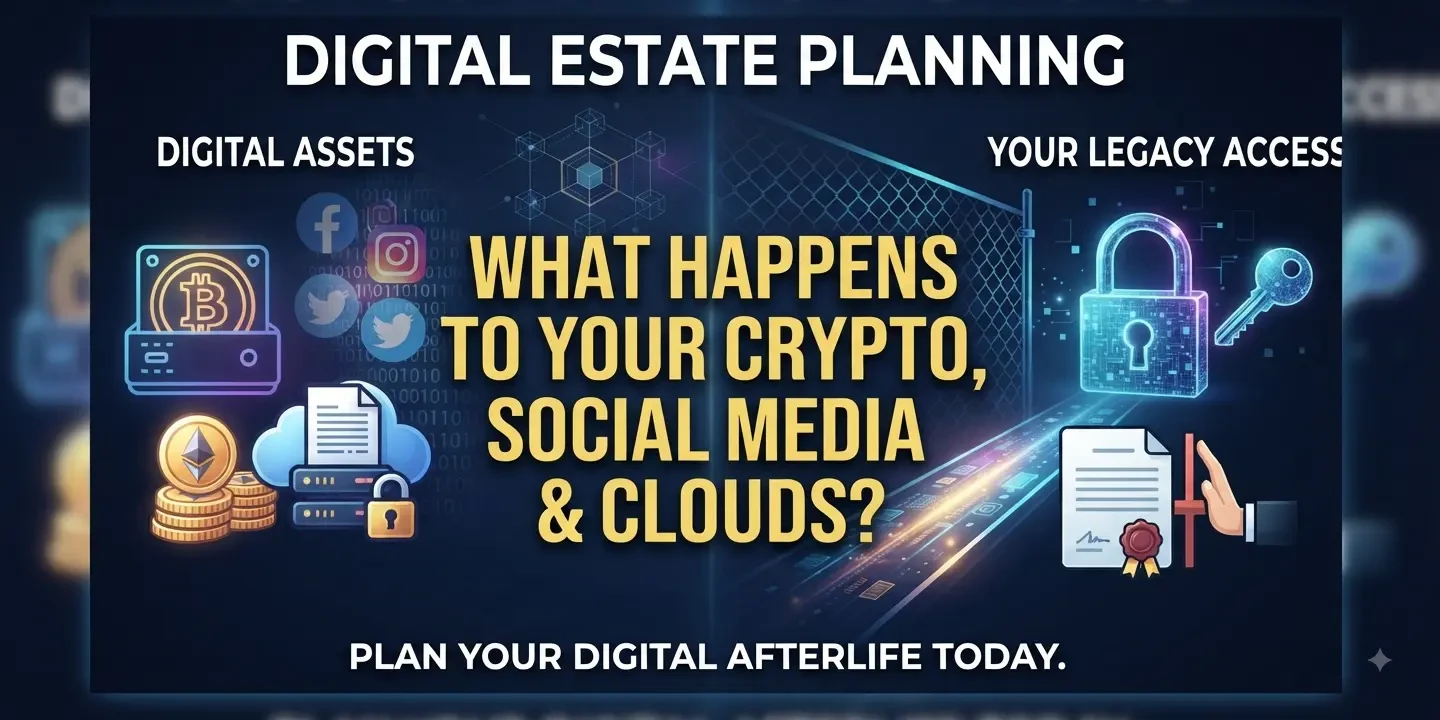
Digital Estate Planning: What Happens to Your Cryptocurrency, Social Media Accounts, and Online Clouds After You Pass Away?
Imagine leaving behind a physical estate neatly organized with a house, a car, and traditional bank accounts, only for your family to discover that a substantial portion of your wealth—along with decades of family photos, personal journals, and communications—is locked behind an invisible digital wall.
For most of us, our lives are split into two realms: the physical and the digital. Yet while traditional estate planning has centuries of legal precedent, digital estate planning is a modern necessity that many people still overlook. Without explicit instructions, your online footprint can become a legal ghost town, resulting in lost fortunes, locked memories, or identity theft.
What actually happens to your cryptocurrency, social media profiles, and cloud storage when you die, and how can you protect your digital legacy?
1. Cryptocurrency: The Ultimate High-Stakes Digital Asset
Of all digital holdings, cryptocurrency and digital collectibles (NFTs) carry the highest financial stakes—and the greatest risk of total loss.
The Problem
Cryptocurrency operates on a decentralized model. There is no customer service hotline, no branch manager, and no password reset button. If you hold your crypto in a self-custody wallet (like a hardware ledger or software wallet) and you pass away without sharing access, your assets are gone forever. Billions of dollars in Bitcoin and other digital currencies are currently trapped in "dead wallets" simply because the owners took their private keys to the grave.
What Happens Without a Plan
- Permanent Inaccessibility: If your heirs cannot find your private keys or seed phrases, the blockchain remains completely sealed.
- The Tax Trap: Even if heirs cannot access the crypto, tax authorities may still view the estate as owning it, creating massive compliance and reporting nightmares.
How to Plan For It
- Never put raw private keys or passwords in your will. Wills become public record during probate, meaning posting your seed phrase there is an open invitation for anyone to steal your crypto.
- Use a secure multi-step succession plan: Document where your crypto is stored and provide clear, step-by-step instructions on how a trusted "digital executor" can locate your hardware wallet or access your decentralized accounts, keeping credentials in a separate, encrypted file or secure physical location (like a safe deposit box or lawyer's office).
2. Social Media Accounts: Memorialization, Ghosts, or Deletion
Our social media footprints—our posts, photos, direct messages, and networks—outlive us by default. When you pass away, platforms do not automatically know you are gone.
The Problem
Strict privacy laws and Terms of Service (ToS) agreements prevent tech companies from simply handing over a deceased person’s login credentials to grieving family members, even a spouse or parent.
What Happens Without a Plan
- Digital Ghosting: Accounts remain active, receiving birthday reminders, friend requests, or automated tags.
- Security Vulnerabilities: Inactive accounts are prime targets for hackers, who can take them over to run scams under your name.
How to Plan For It
Major platforms have evolved to handle end-of-life scenarios, but you usually have to configure them yourself:
- Meta (Facebook & Instagram): You can designate a Legacy Contact ahead of time—a trusted friend or family member who can manage your memorialized profile, write a pinned post, and download an archive of your data. Alternatively, you can request that your account be permanently deleted upon death.
- Google (Inactivity Manager): Google’s Inactivity Digital Manager allows you to set a timeline (e.g., 3, 6, or 12 months of inactivity) after which your data is automatically shared with specific trusted contacts or wiped entirely.
- Apple: Apple features a Legacy Contact option that lets designated individuals access your iCloud data (photos, notes, messages) after your death with an access key and a death certificate.
3. Online Clouds: The Fate of Your Digital Memories and Files
From Google Drive and Dropbox to iCloud and Microsoft OneDrive, our cloud accounts hold a lifetime of irreplaceable documents: tax returns, scanned birth certificates, professional portfolios, and thousands of family photos.
The Problem
If your family cannot access your primary email address, they cannot access your cloud storage. Most cloud providers require extensive legal proof—such as letters testamentary, court orders, or formal executor paperwork—before granting access to a deceased person’s files due to strict privacy regulations (governed in many regions by frameworks like the Revised Uniform Fiduciary Access to Digital Assets Act, or RUFADAA).
What Happens Without a Plan
- Loss of Family History: Irreplaceable photos and videos stored exclusively in the cloud may be locked away or permanently purged when subscription payments lapse.
- Administrative Delays: Executors may spend months fighting tech giants in court just to retrieve basic billing statements or documents required to close out an estate.
How to Plan For It
- Local Backups: For hyper-sensitive or deeply precious media, periodically back up cloud folders to a physical hard drive or local computer.
- Use Platform Tools: Explicitly set up the built-in legacy/trusted contact settings provided by your cloud ecosystem.
- Empower Your Executor Legally: Ensure your attorney includes explicit digital asset language in your will or living trust. Under many modern laws, a fiduciary only has the legal authority to manage your cloud accounts if you have explicitly granted them consent in a legal document.
Action Steps: How to Build Your Digital Estate Plan
Creating a digital estate plan doesn't have to be overwhelming. You can secure your digital legacy by taking four straightforward actions:
1. Take Inventory: Make a comprehensive list of your digital footprint—domain names, crypto wallets, cloud storage, social channels, and subscription services.
2. Appoint a Digital Executor: Choose someone tech-savvy who you trust implicitly to carry out your digital wishes.
3. Draft Legal Consent: Work with an estate planning attorney to ensure your power of attorney and will explicitly grant your fiduciary access to and authority over your digital assets.
4. Securely Store Credentials: Use a reputable password manager that features an "emergency access" function, or keep a master credential document in a secure physical location (like a safe) alongside instructions for your executor.
Technology has transformed how we accumulate wealth and memories. By taking a proactive approach to your digital estate, you ensure that your online legacy brings comfort—rather than complications—to the people you love.